Less searching for property details. More helping your clients.
A property walkthrough app for real estate agents. Organize photos and voice notes, ask AI about captured details, identify equipment, and explore redesign ideas with clients.
A photo, a quick voice note. One place to find them.
At Cedar Ridge, a buyer likes the kitchen layout but wonders how it could look refreshed. Save a kitchen photo and attach a voice note about their question. Return to the same photo and note on the web when you’re back at your desk.
01 Capture while you walk
02 Keep the details together
03 Ask a useful question
At the property · iOS app
9:41
Inspection Item
Kitchen walkthrough
Cedar Ridge · Buyer walkthrough
Attached voice note
“The buyer likes the kitchen layout. They asked about the range and whether sage cabinets would work.”
What should I ask the seller about this kitchen range?
CM Vision AI
Ask for the model, age, and service history. Save a clear photo of the equipment label and confirm the details with the seller.
Illustrative iOS and web screens with demo property data. AI helps you prepare better questions; verify property condition with a qualified professional.
AI tools are included with Pro. Illustrative workflow using demo data and representative app views.
02 · Ask about the details
You don’t need to know the technical question to start.
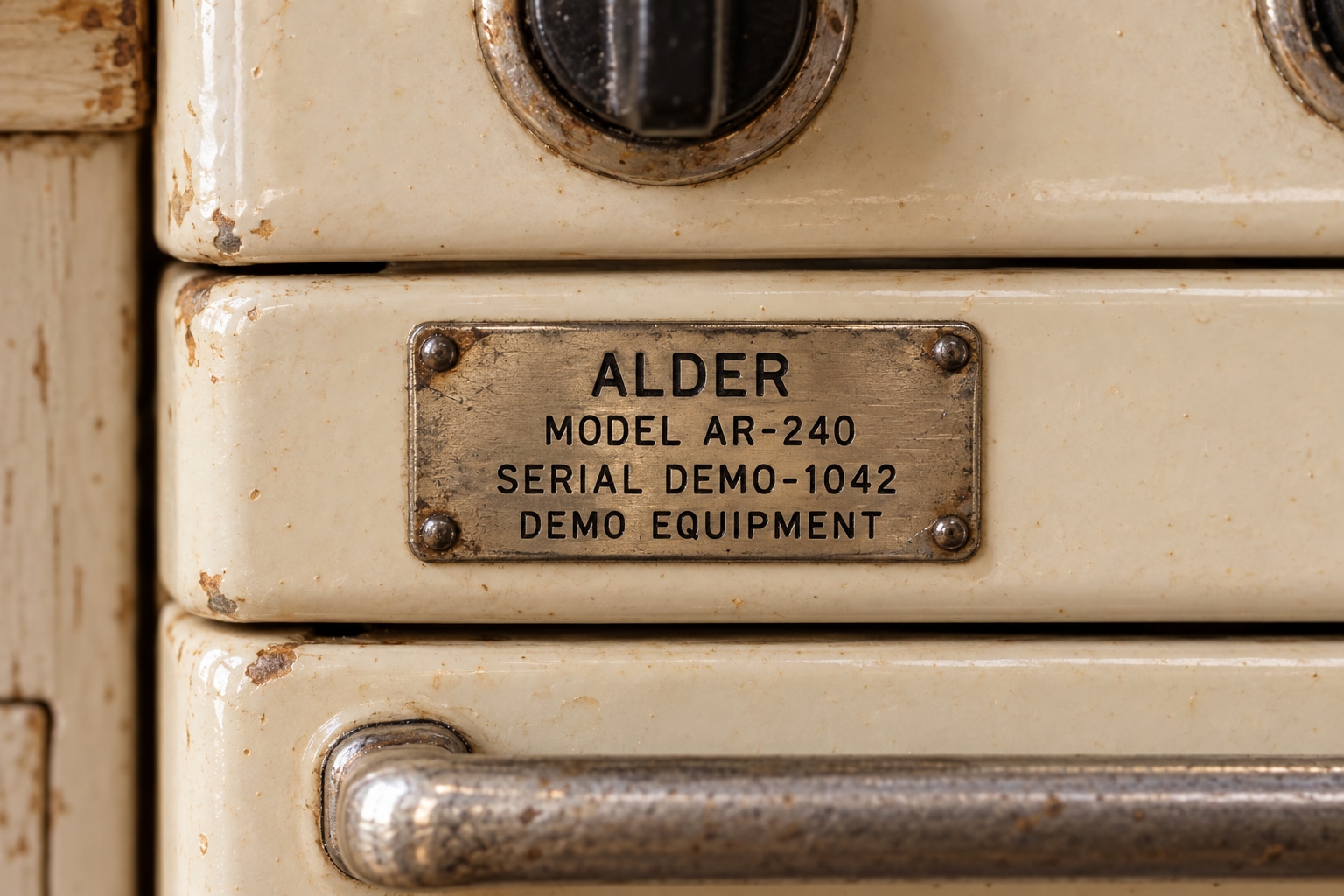
Ask AI what to clarify with Cedar Ridge’s seller about the kitchen. Photograph the range label for help identifying the equipment, then keep those details with the original photo for your follow-up.
Get a starting point from an item photo. Check the model and serial number against the original label.
Source photo · Equipment label
AI equipment identification
Range
Brand
Alder (demo brand)
Model
AR-240
Serial number
DEMO-1042
Keep the equipment details with the photo, ready for your next conversation with the owner or a service professional.
Review the result against the original label.
Illustrative equipment identification using a fictional demo label. Photograph a readable label and check the saved result against it.
03 · Explore a redesign
Help a client picture the possibilities.
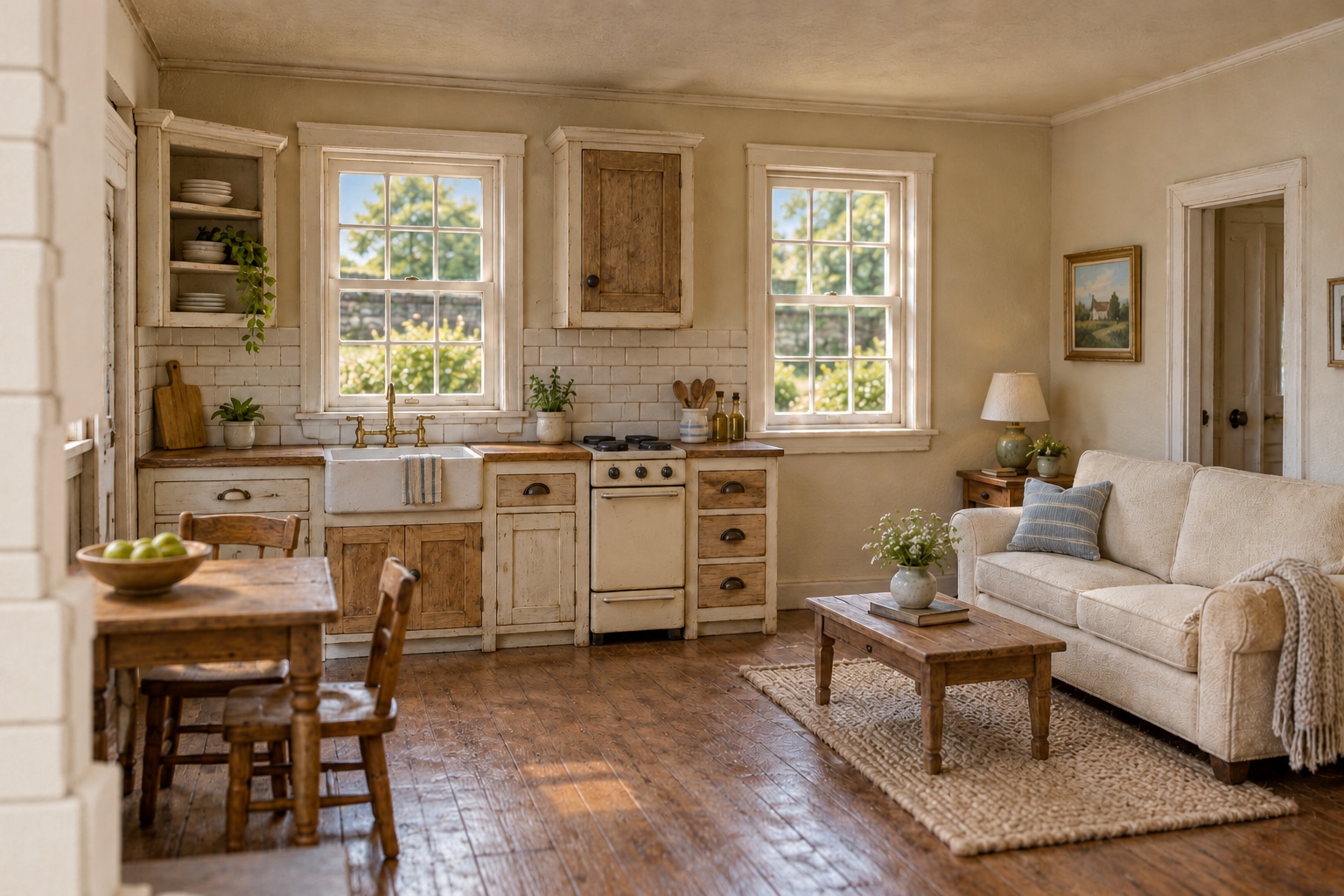
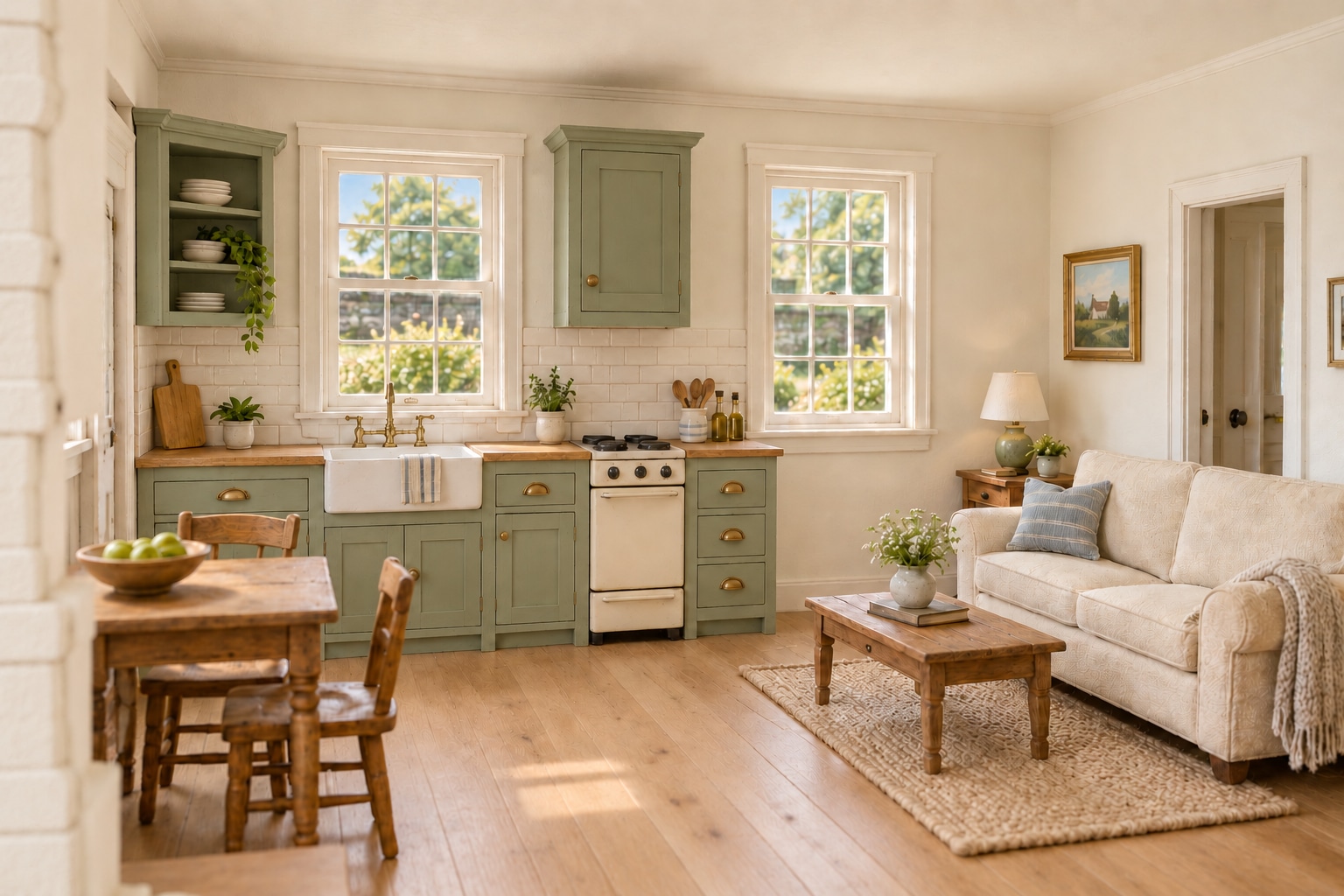
Use the saved Cedar Ridge kitchen photo in Design: keep the layout and explore sage cabinets, warm white walls, and oak flooring. Compare the original with the concept to help the buyer picture a different look.
“Keep the layout. Try warm white walls, oak flooring, and sage cabinets.”
Original demo photoIllustrative AI design concept
Illustrative Design example using generated demo imagery. Explore ideas with your client; a generated concept does not establish feasibility, measurements, or cost.
04 · Prepare a report
Bring the useful details into your next conversation.
Prepare Cedar Ridge’s buyer walkthrough report with the kitchen photos and reviewed observations. Keep the range details, buyer’s voice note, and redesign concept with the property so you can return to them during your follow-up.
Cedar Ridge · Buyer Walkthrough.pdf
CM VisionInspection report
Cedar Ridge
Buyer Walkthrough
Portland, Oregon · September 8, 2026
Inspection summary
Two items to revisit: kitchen range and kitchen redesign idea.
01
Kitchen range
Check the saved label and ask the seller.
Review
02
Kitchen redesign idea
Discuss the concept alongside the original photo.
Cedar Ridge · Buyer Walkthrough.xlsx
B3ƒxKitchen range
Sample Inspection Items worksheet.
A
B
C
D
1
Ordered Inspection Items
2
#
Label
Location
Field Notes
3
1
Kitchen range
Kitchen
Confirm model and service history with seller.
4
2
Kitchen redesign idea
Kitchen
Buyer prefers sage cabinets and oak flooring.
5
6
OverviewInspection ItemsAI Findings
Sample PDF and Excel exports · Inspection items, saved findings, and photo references.
A few useful details
Before your first walkthrough.
Do I need to be technical to use the AI tools?
You can ask questions in everyday language and start from the photos you’ve already captured. Review the answer and use it to guide your next question or conversation.
Is a walkthrough the same as a professional home inspection?
No. Use this workflow to organize observations and property information. AI guidance and equipment identification support your review; they do not replace a qualified professional’s inspection.
Are the redesign images photos of completed work?
No. Design creates AI-generated visual concepts. Present them as illustrative ideas, alongside the original photo, rather than as the property’s actual condition or promised construction results.
What can I use for free?
Free includes your own properties, inspections, reports, exports, and 1 GB of storage. Pro adds AI tools, property collaboration, 25 GB of storage, and 1,000 AI credits per user each month. Compare the plans.
 CM VisionInspection report